
Key Functions
- Assessing Risks
Assessing Risks
- Each Objective will have it's own set of Risks associated with it. To access those risks select the Objective nested underneath a Component.
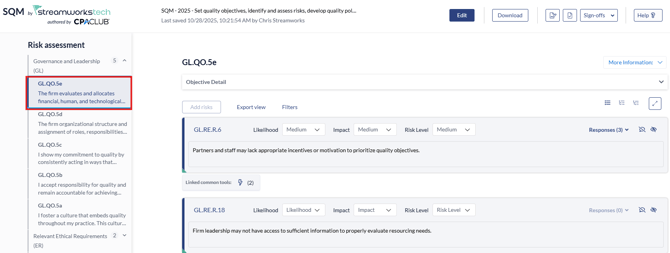
- Risks will be prepopulated depending on the Tailor you System form filled in, see this guide here on how to do that.
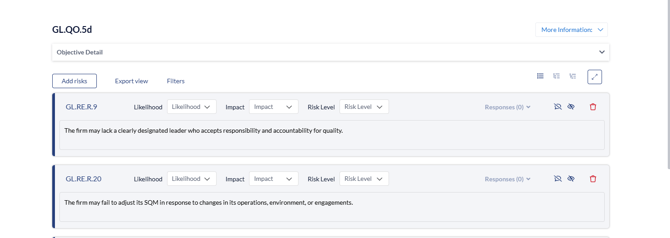
- Each risk is outlined underneath the Component code.
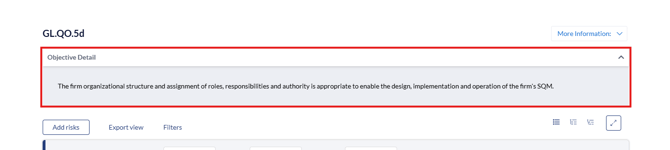
- You can click the 'Objective Detail' dropdown to see the definition of the Objective.
- To add any new risks, you can click the 'Add Risk' button.
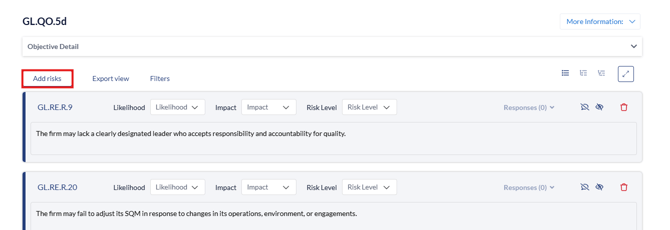
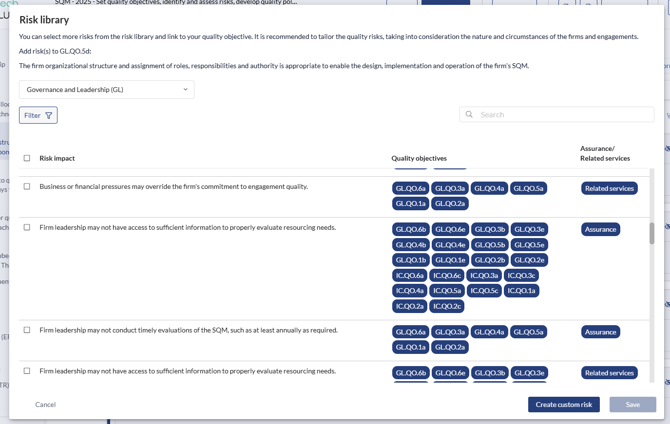
- When 'Add Risk' is clicked, you can add any risk from the library by selecting the risk with the checkbox and clicking 'Save'. Or you can add a 'Custom Risk' which adds a blank risk.
- You can edit any risk terminology by clicking in the textbox to enable editing.

- To add a risk, the 'Liklihood', 'Impact' and 'Risk Level' need to have a severity level selected.

- Once selected the 'Responses' button will become available.

To Assess Responses, go to this guide next.