
Key Functions
- Adding and Editing Objectives
Adding and Editing Objectives
- The Quality Components will be outlined on the left with associated Objectives in the dropdown of each Component.
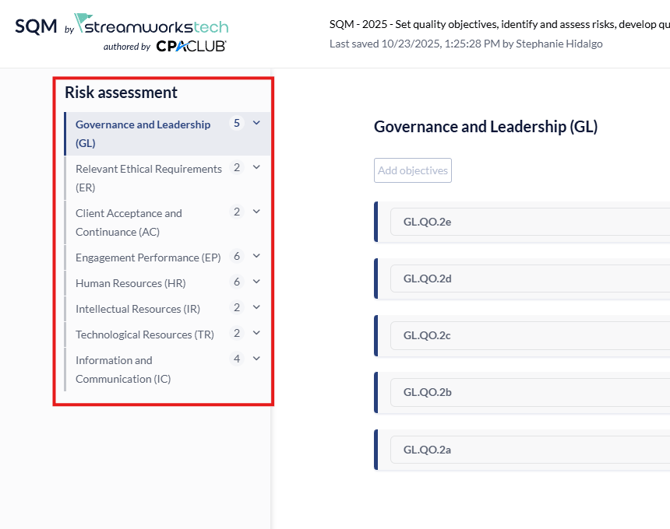
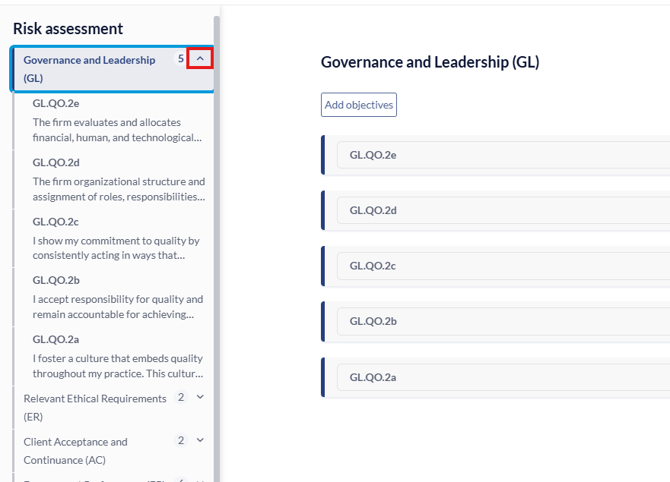
- Clicking the down arrow on any Quality Component will open the list of Objectives added which can also be seen in the main page to the right.
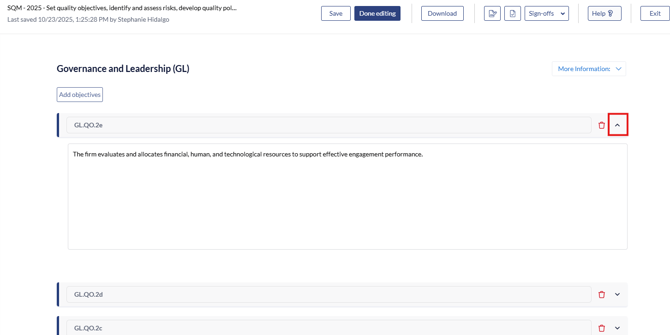
- Clicking the arrow on the Objective will expand on the description of the Objective for further editing if necessary.
- To add any new Objectives to the Component, you can click the 'Add Objective' button.
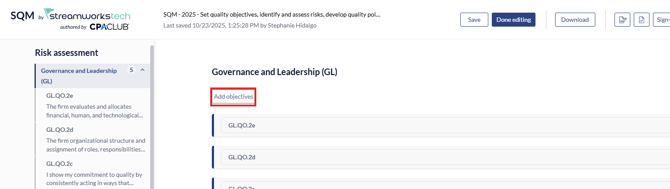
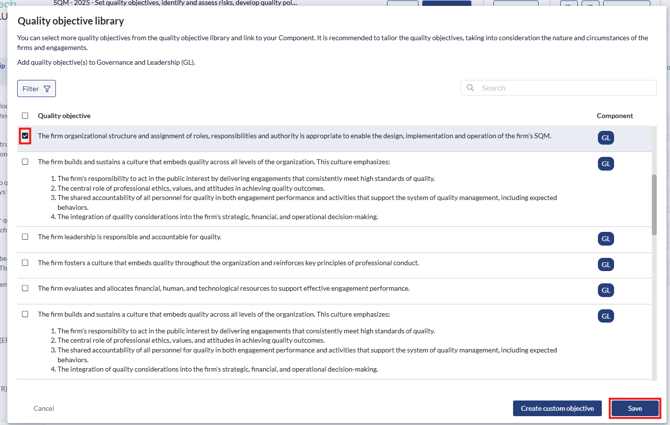
- This will bring up the library of Objectives that can be added from the library, click the checkbox next to the Objective you want to add and click 'Save'.
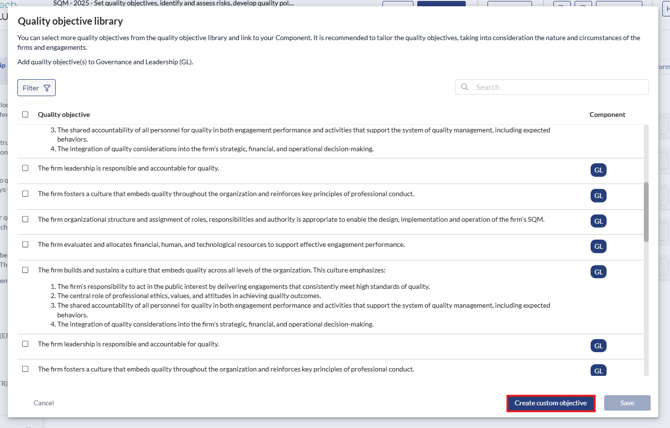
- You can also click 'Create Custom Objective' to make your own.
To begin Assessing Risks, go to this guide here.