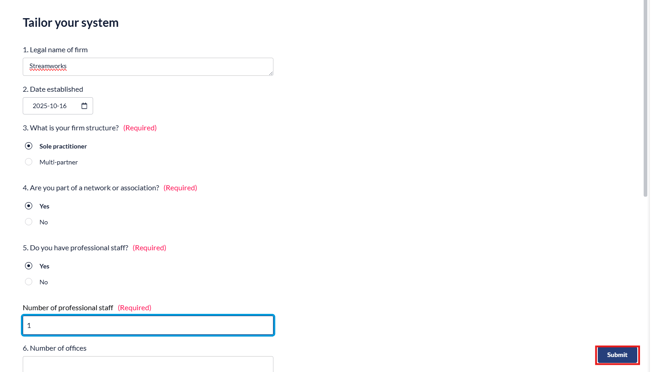
When creating a new SQM project, you can fill in the 'Tailor you System' information from creation of the project or within the project itself.
You will not be able to edit forms in Risk Assessment and Evaluating the SQM until the Tailor you System questionnaire is complete.
Key Functions
- Tailoring your system and importing a current SQM
- Tailoring your system from creation of the SQM
- Tailoring your system using the documents page form
Tailoring your system and importing a current SQM
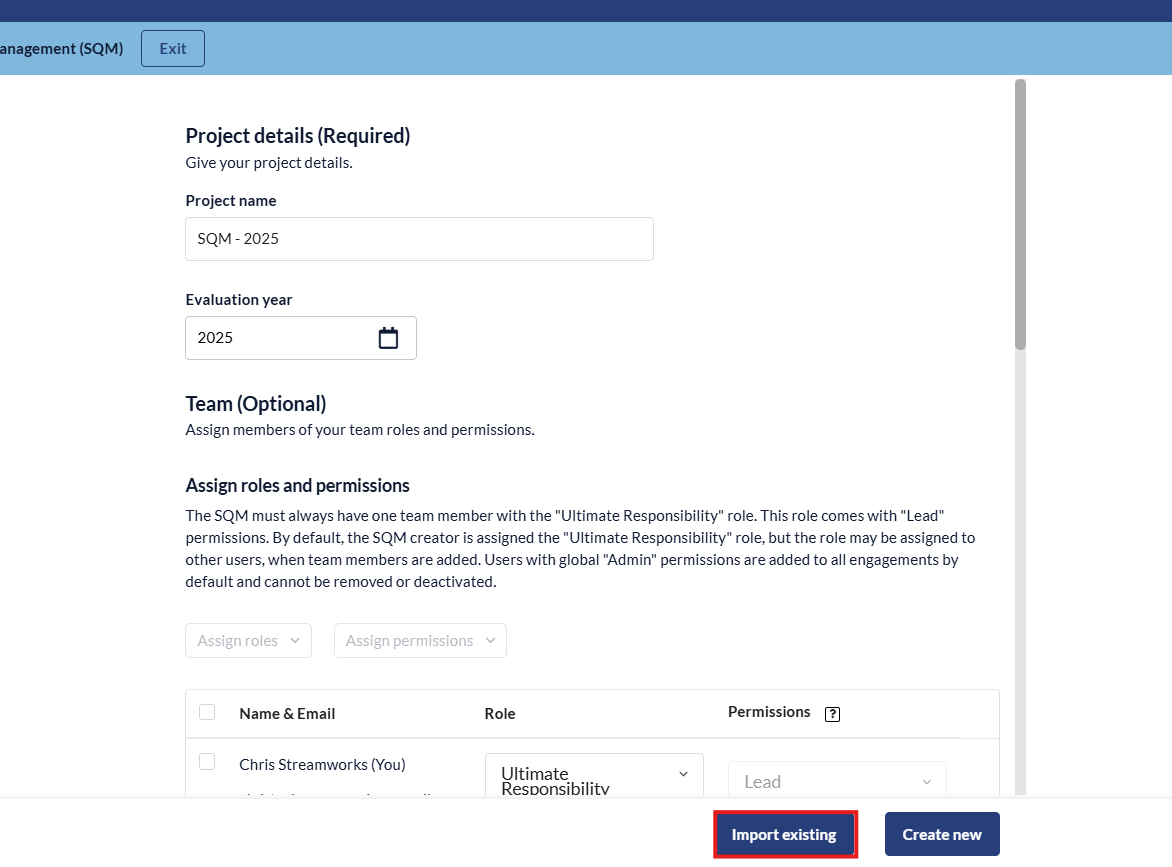
- During creation, click the 'Import Existing' option.
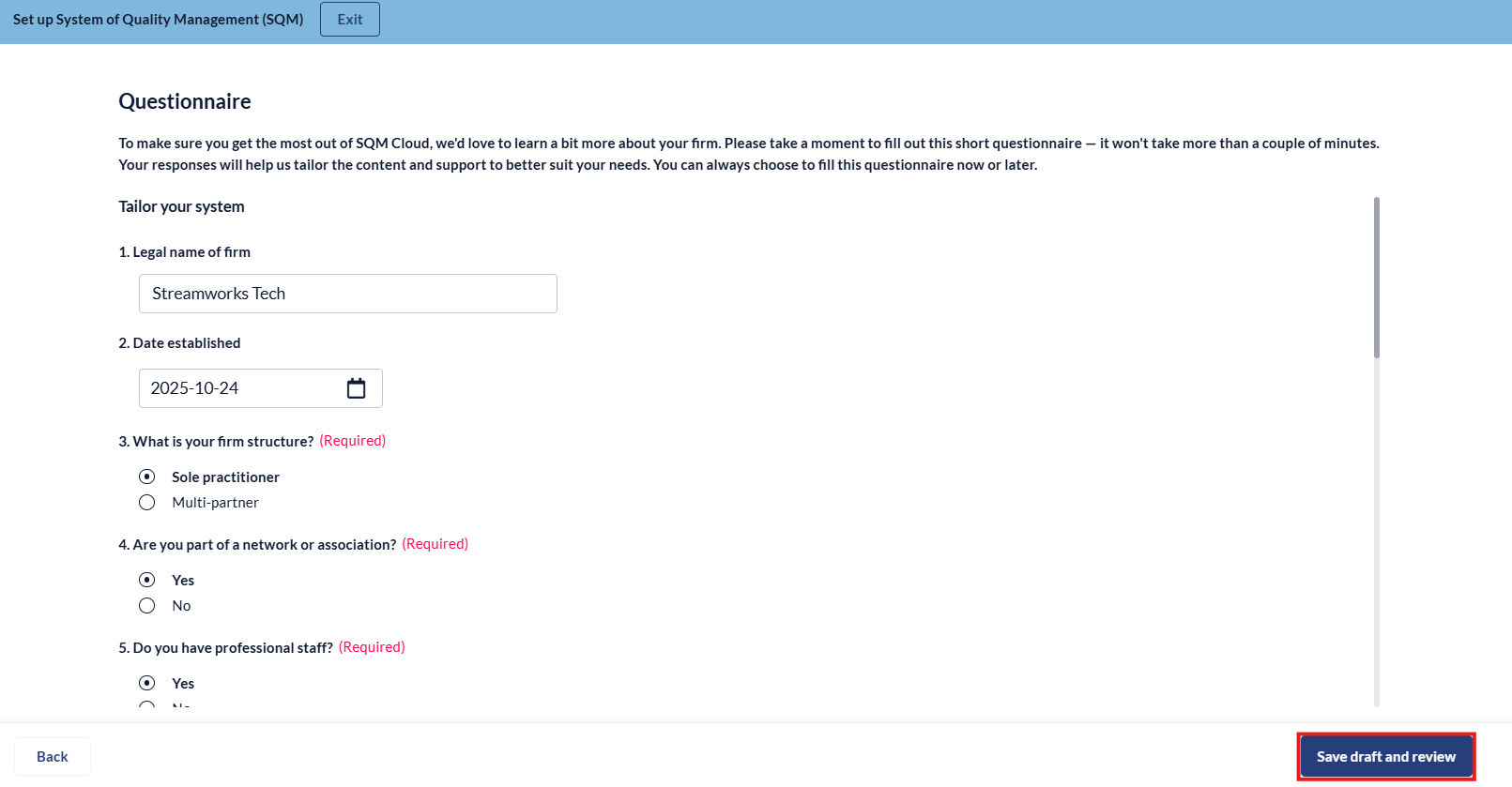
- Fill in the questionaire and click 'Save draft and review'.
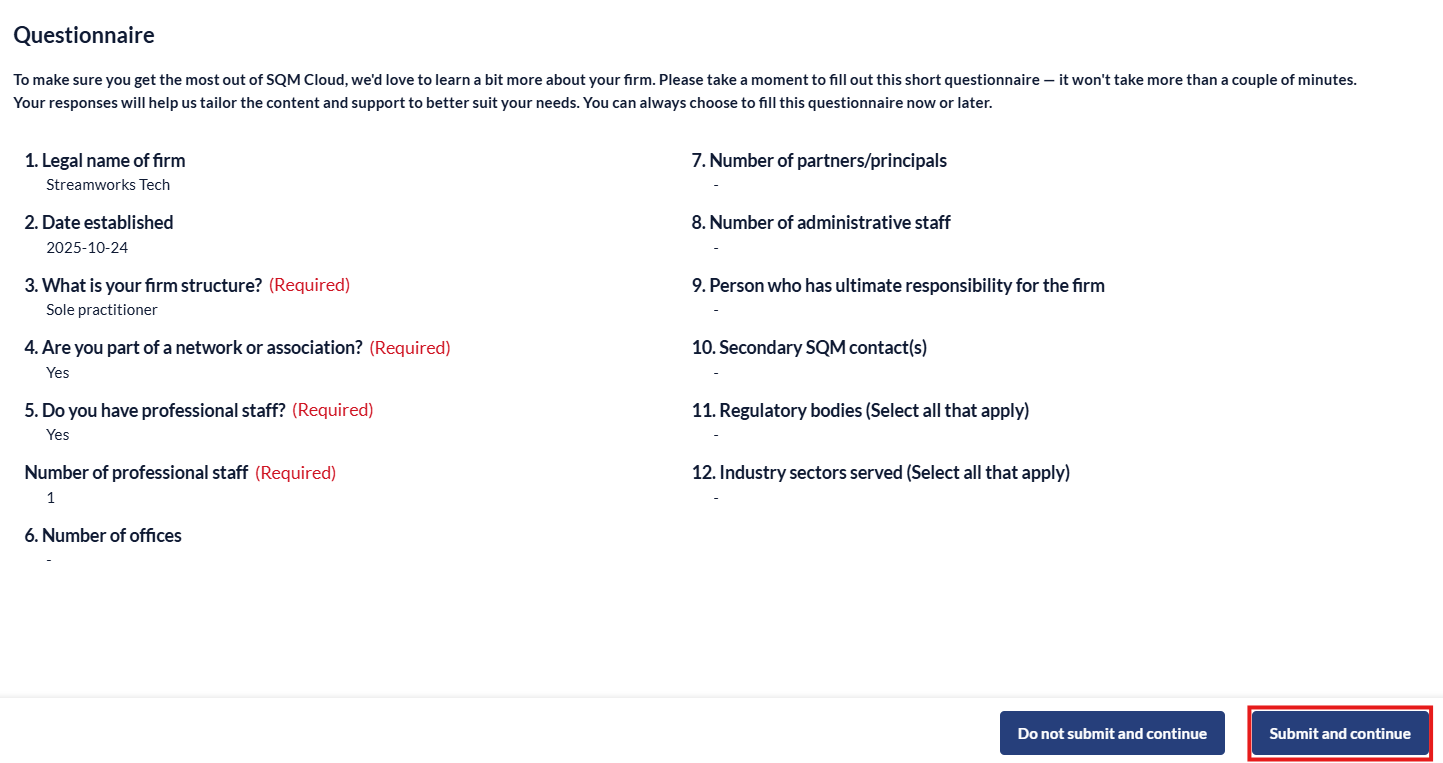
- Review the questionnaire and click 'Submit and continue'.
- You will then be prompted to upload your current SQM excel sheets, when uploaded, click 'Continue' to create the SQM.
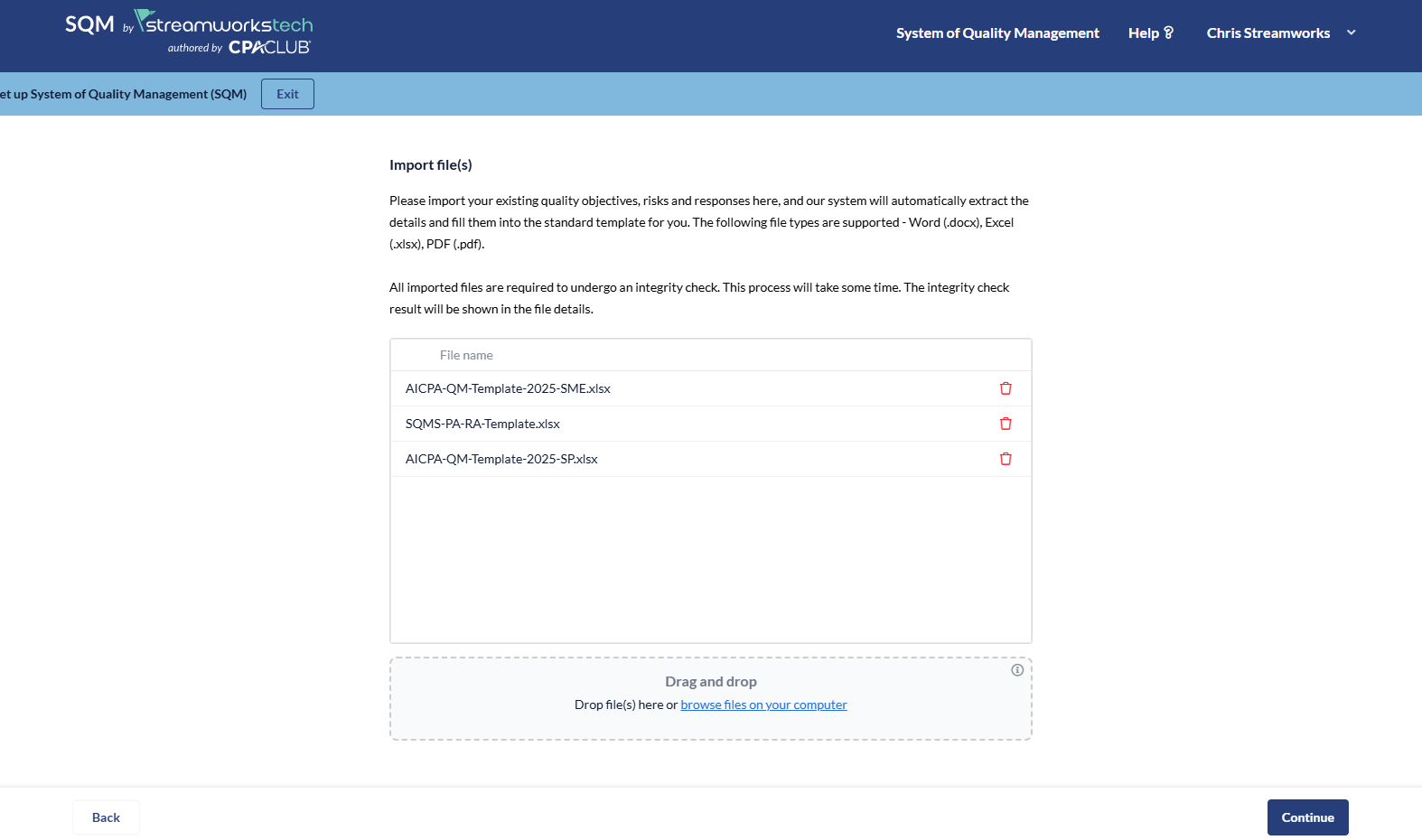
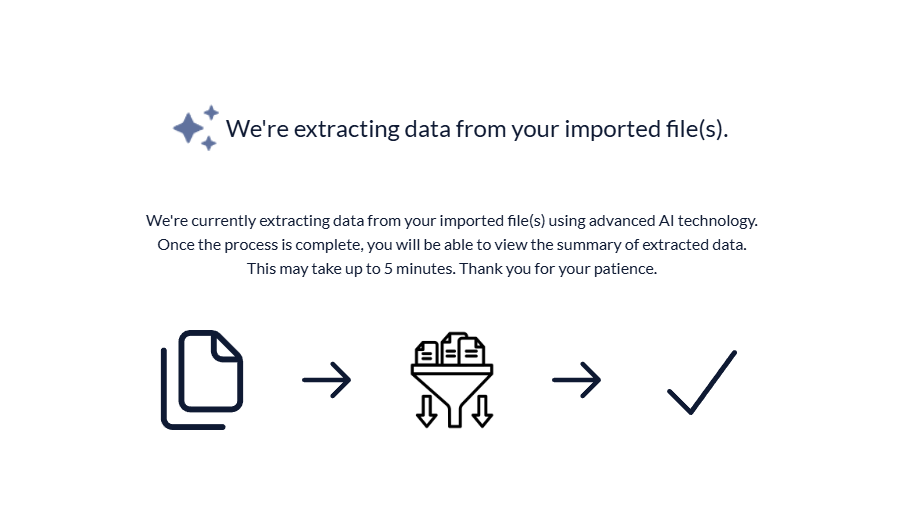
- You will see a loading screen while the Streamworks Tech AI extracts the excel information and uploads it to the cloud.
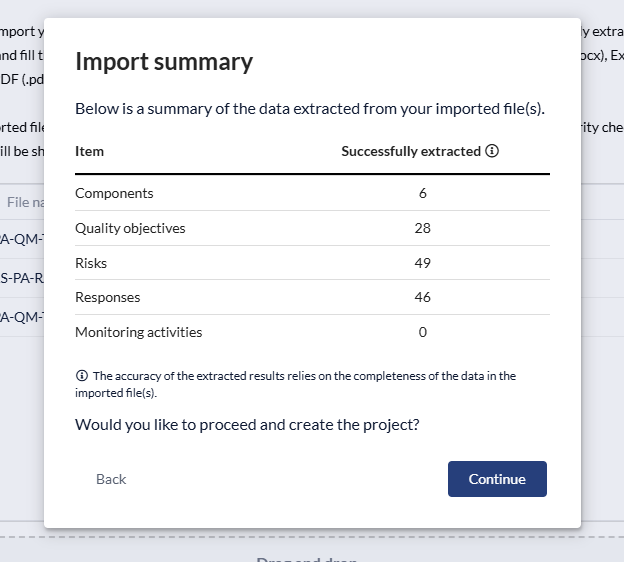
- You will be presented with an import report, it is a good time to cross reference any documents you have with import summary. Click 'Continue' to proceed.
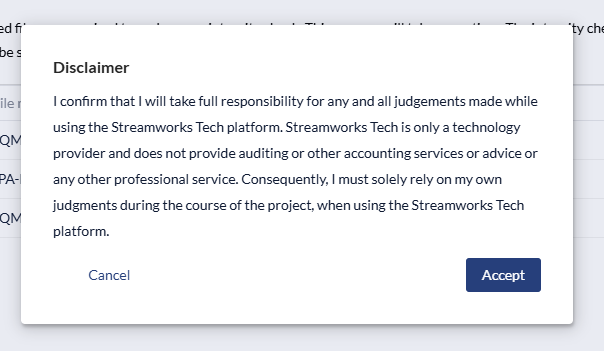
- Review the disclaimer and 'Accept'.
Tailoring your system from creation of the SQM
- Fill in the relevant information for your SQM and click 'Create New'.
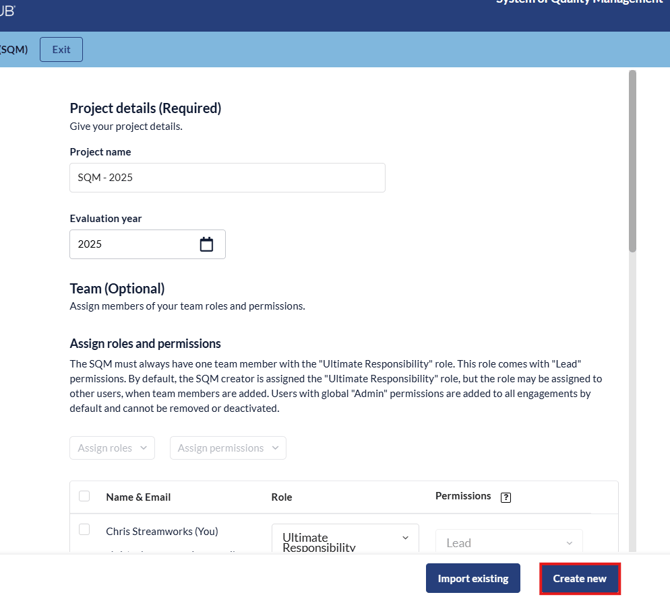
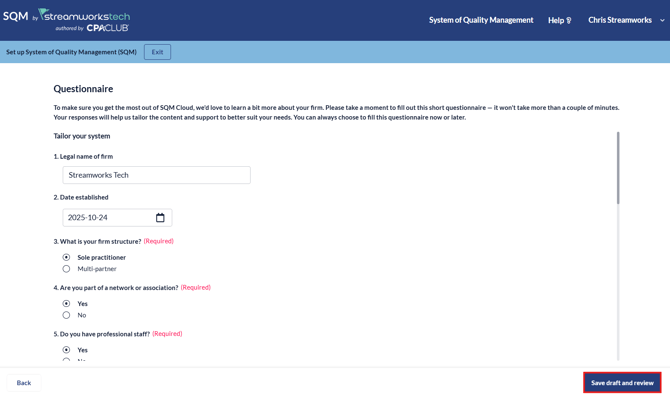
- Fill in the relevant information and click 'Save draft and review'.
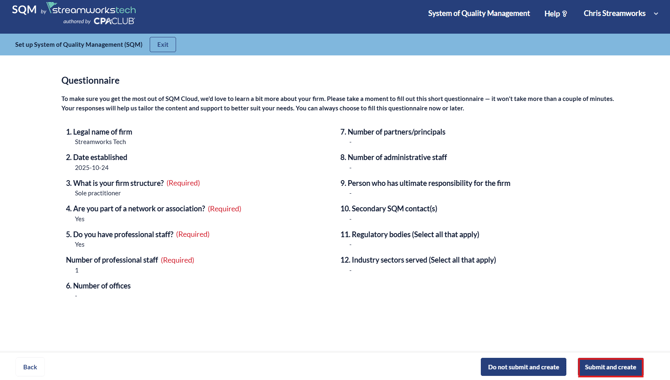
- Click 'Submit and Create'.
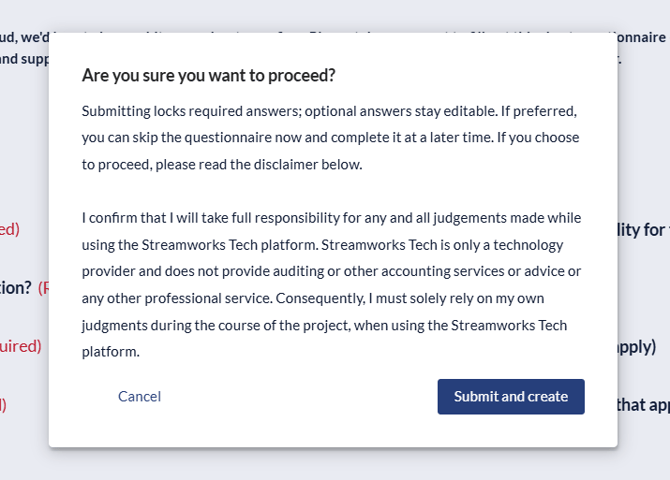
- Acknowledge the disclaimer to complete the setup process and Tailor your System.
Tailoring your system using the documents page form
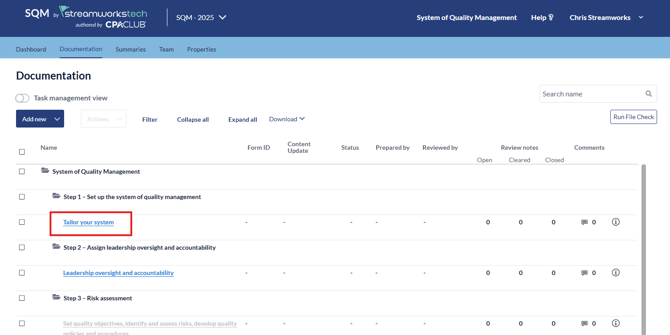
- Select the form from the documents page.
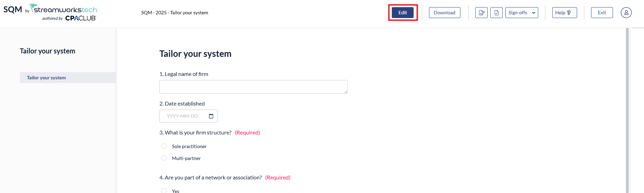
- Click 'Edit' at the top of the form to begin filling out the questionnaire.
- When you have complete the questions, click submit to finalize.