
Setting up the SQM
- After setting up the account, you will be brought to this screen.
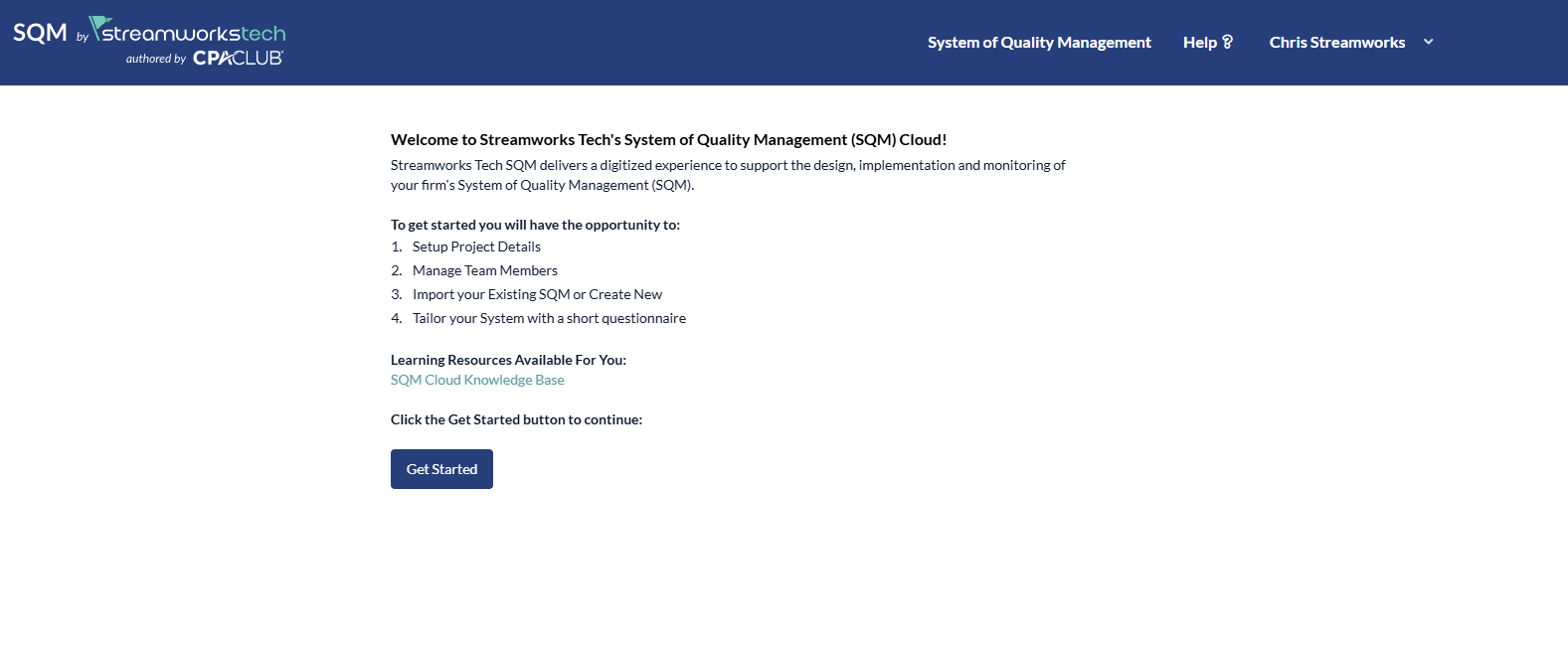
- Click 'Get Started' to begin the creation.
- Next, you can rename the SQM, set the evaluation date and assign any roles to team members you have added. The team members roles can also be adjusted later on.
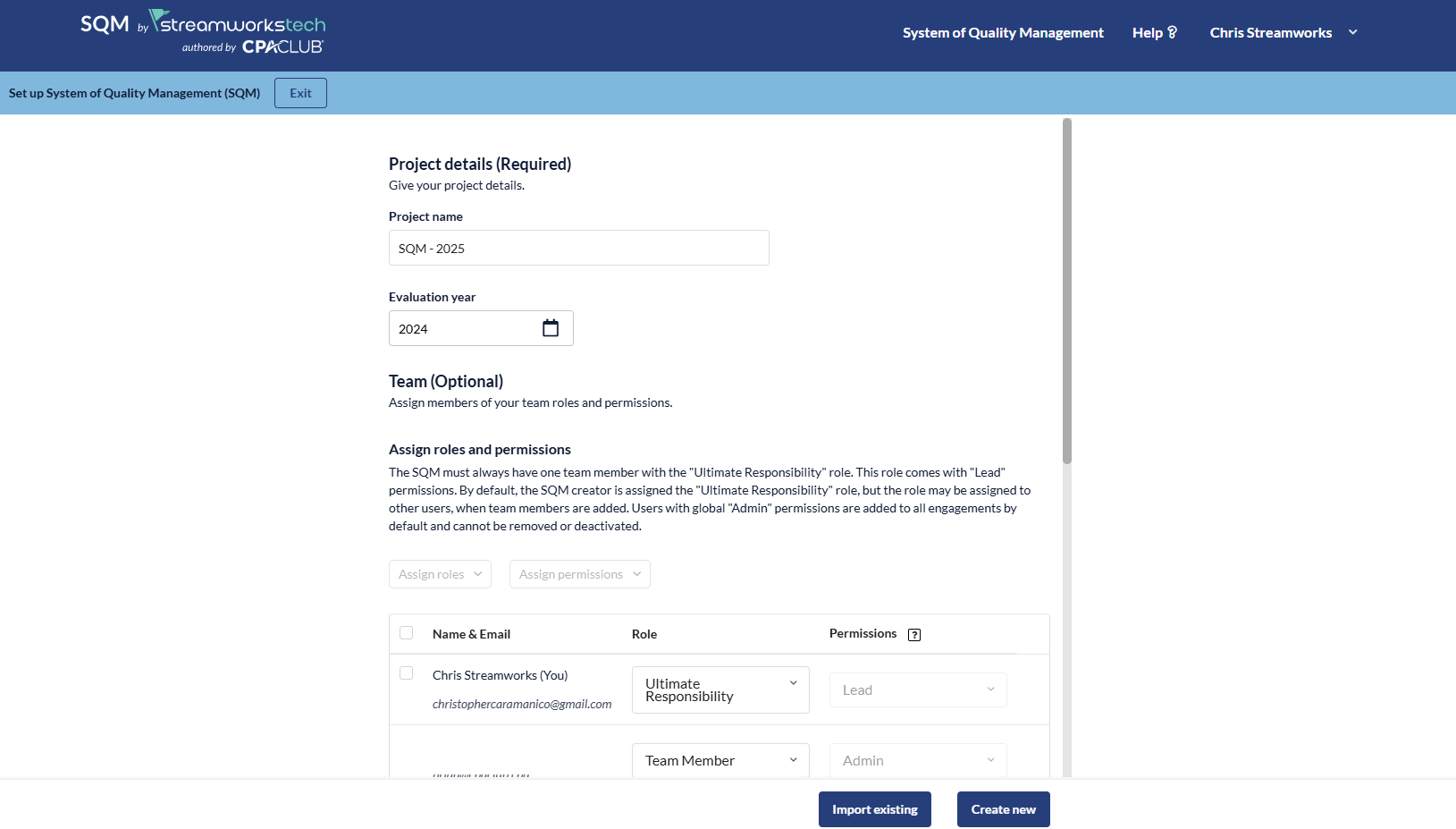
- Click 'Create New' to begin the questionnaire which will help tailor some content in your SQM. You can always choose to fill in this questionnaire later on.
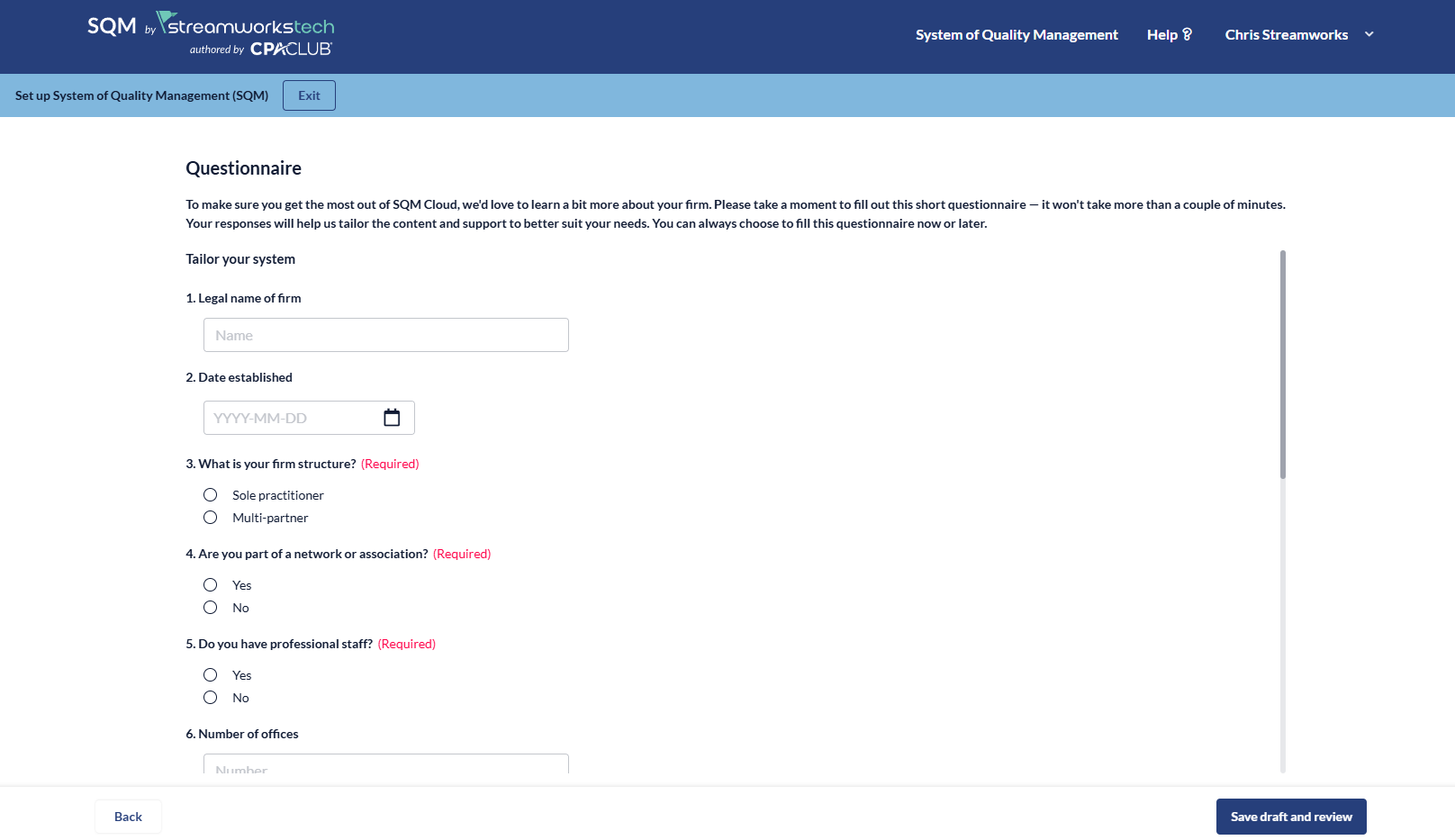
- Click 'Save Draft and Review' which will give you the opportunity to read all of your answers again.
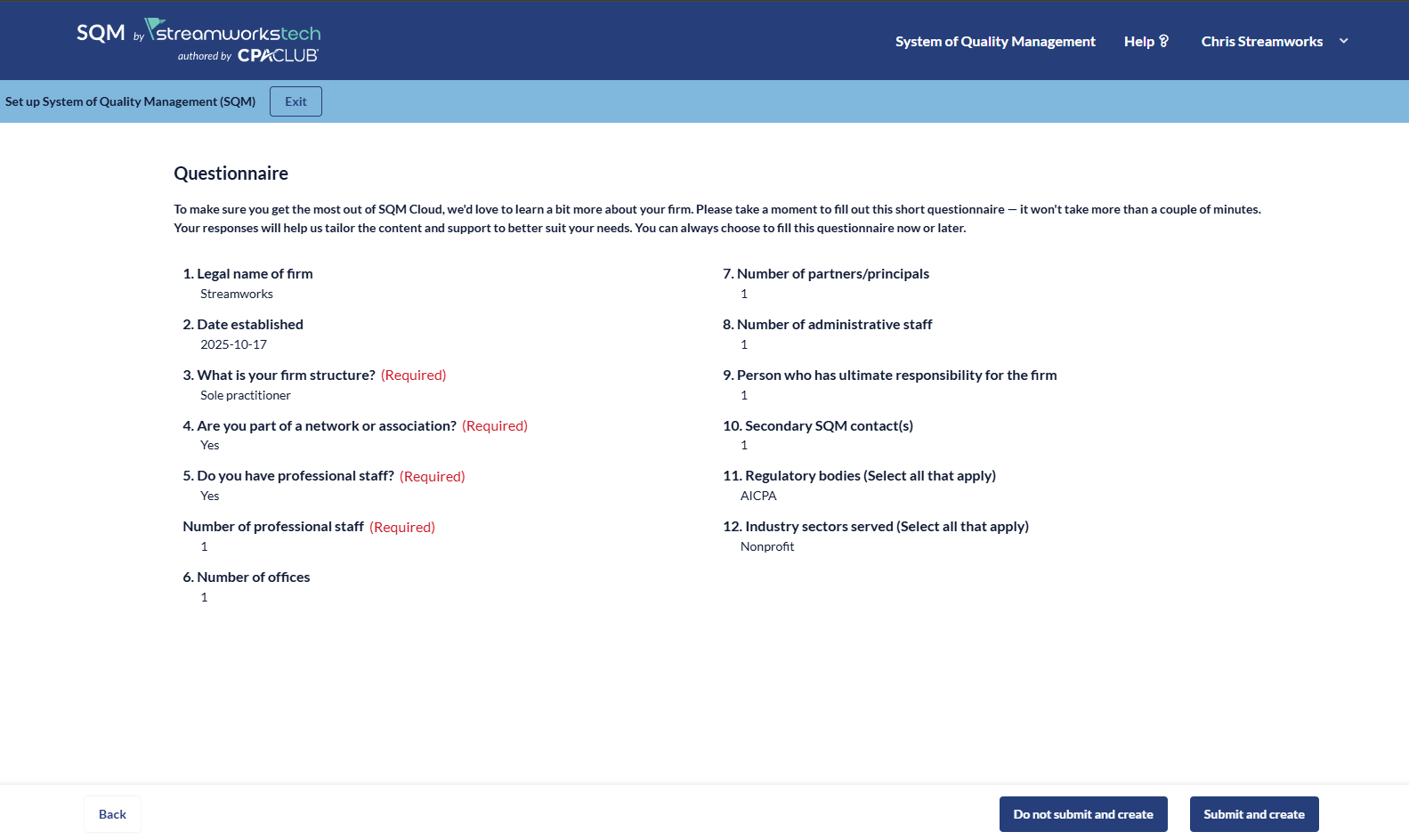
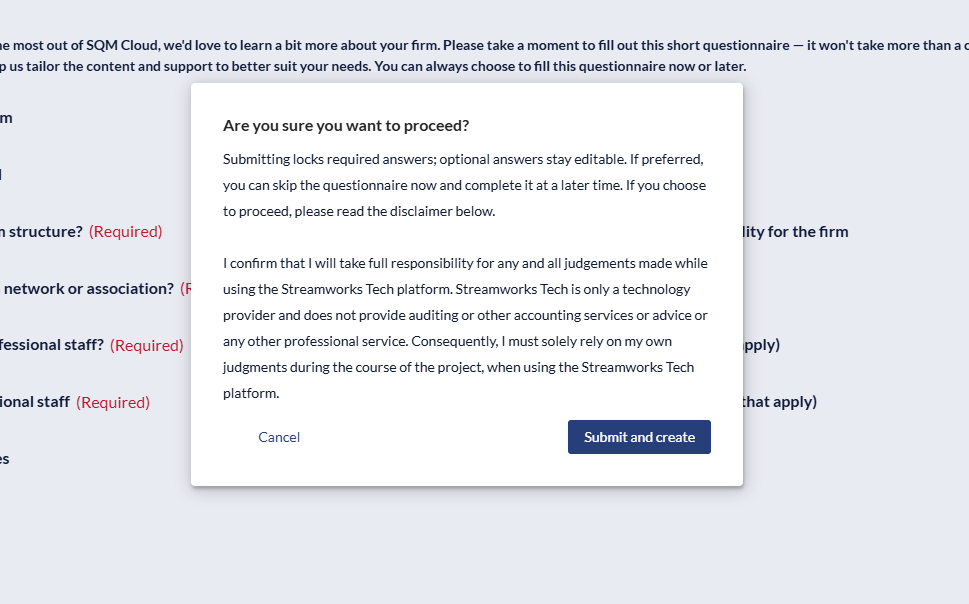
- Click 'Submit and Create' if you are happy with those answers, or 'Do not Submit and Create' to continue. The project will be created with either option.
- Read the disclaimer and proceed to create.
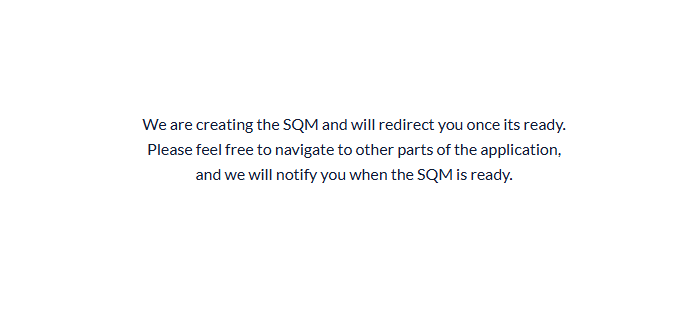
- You will see this message as the SQM is created.
- Once created you will be taken to your SQM project to begin working.