Key Functions
- Assessing Monitoring Activities
Assessing Monitoring Activities
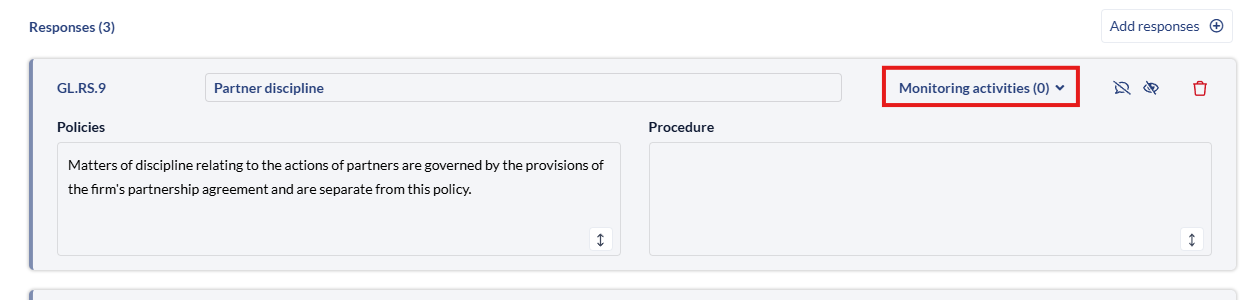
- Click the 'Monitoring Activities' dropdown from the Response.
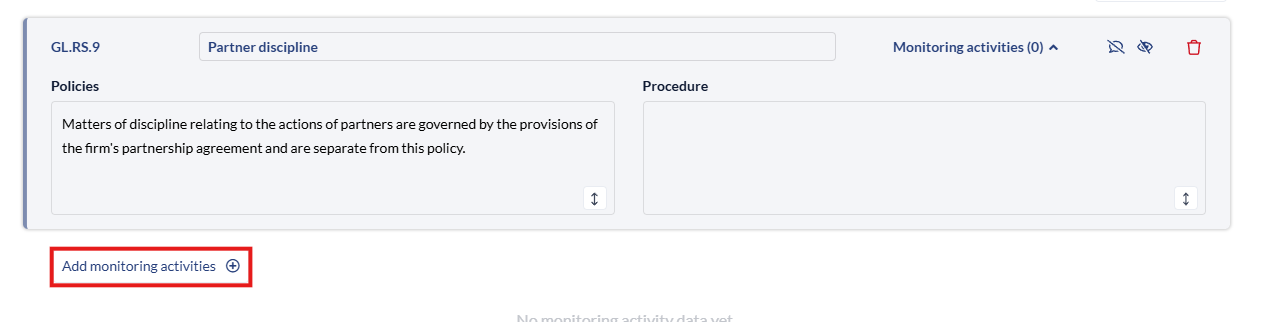
- The 'Add Monitoring' activities button will appear, click that to add your Monitoring Activities to the response.
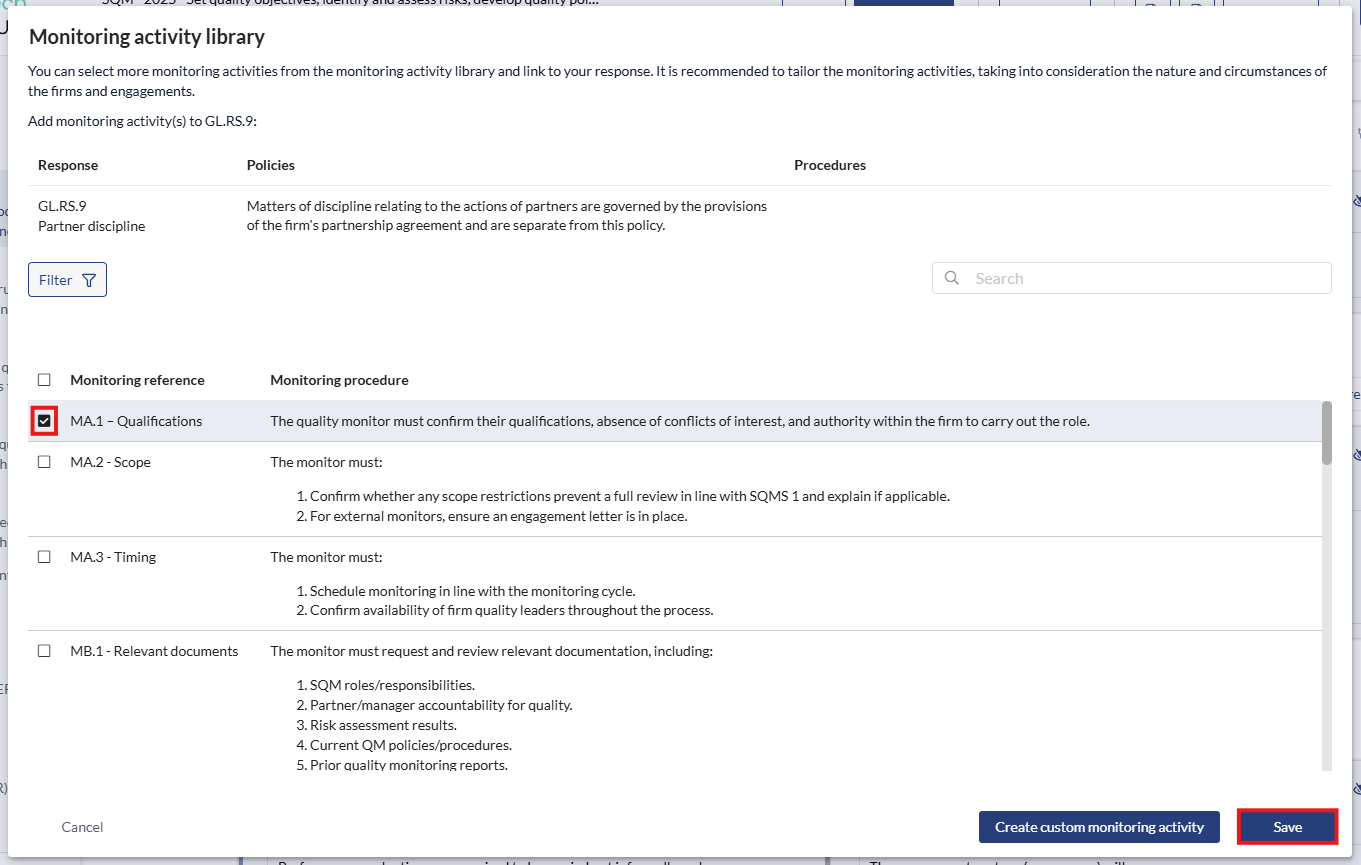
- Click the checkbox and click save to add any Monitoring Activities you want to add, you can also click 'Create Custom Monitoring Activity' to add a blank version.
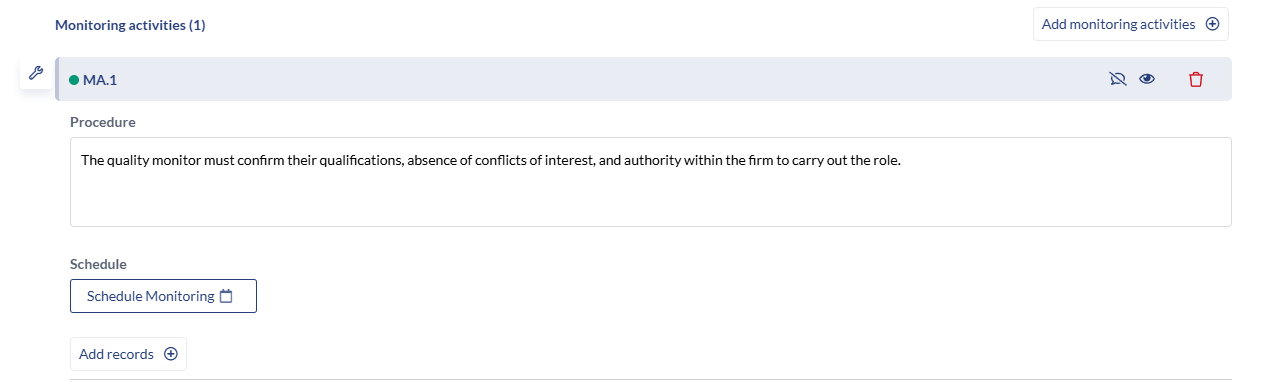
- The information will appear below the 'Monitoring Activity' for further editing. Here you can update the definition, add scheduling and records.