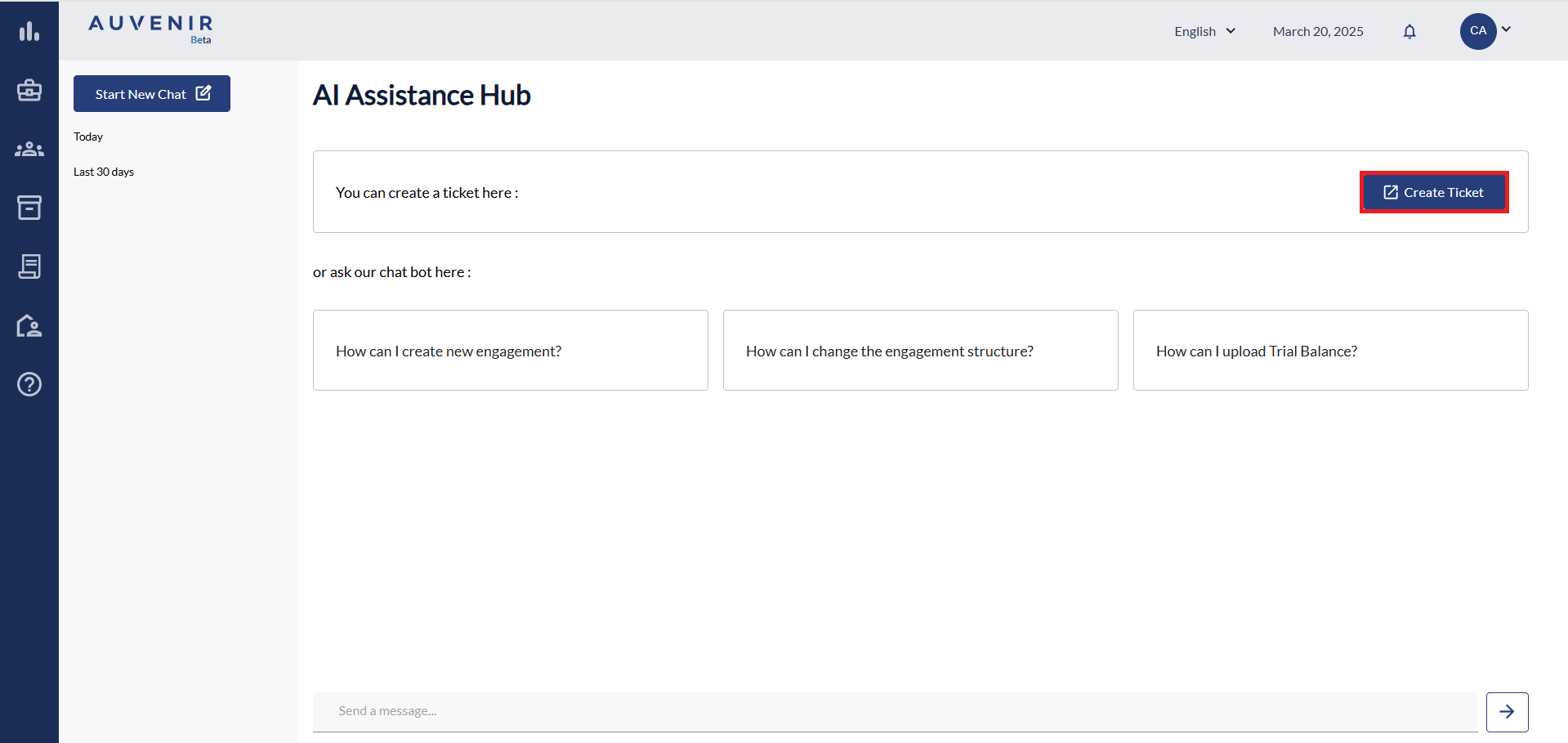
Using the Chat AI Bot
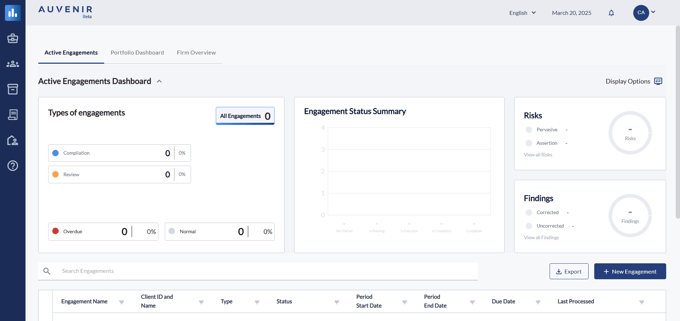
- When you sign in you will be taken to your Active Engagement page
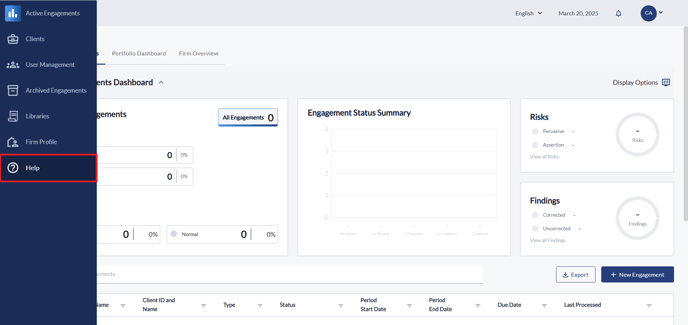
- Use the left navigation to find the Help tab
- When in the Help tab you can type a question into the search bar relevant to the Engagement App functionality
- This will generate a response based off our Knowledge base
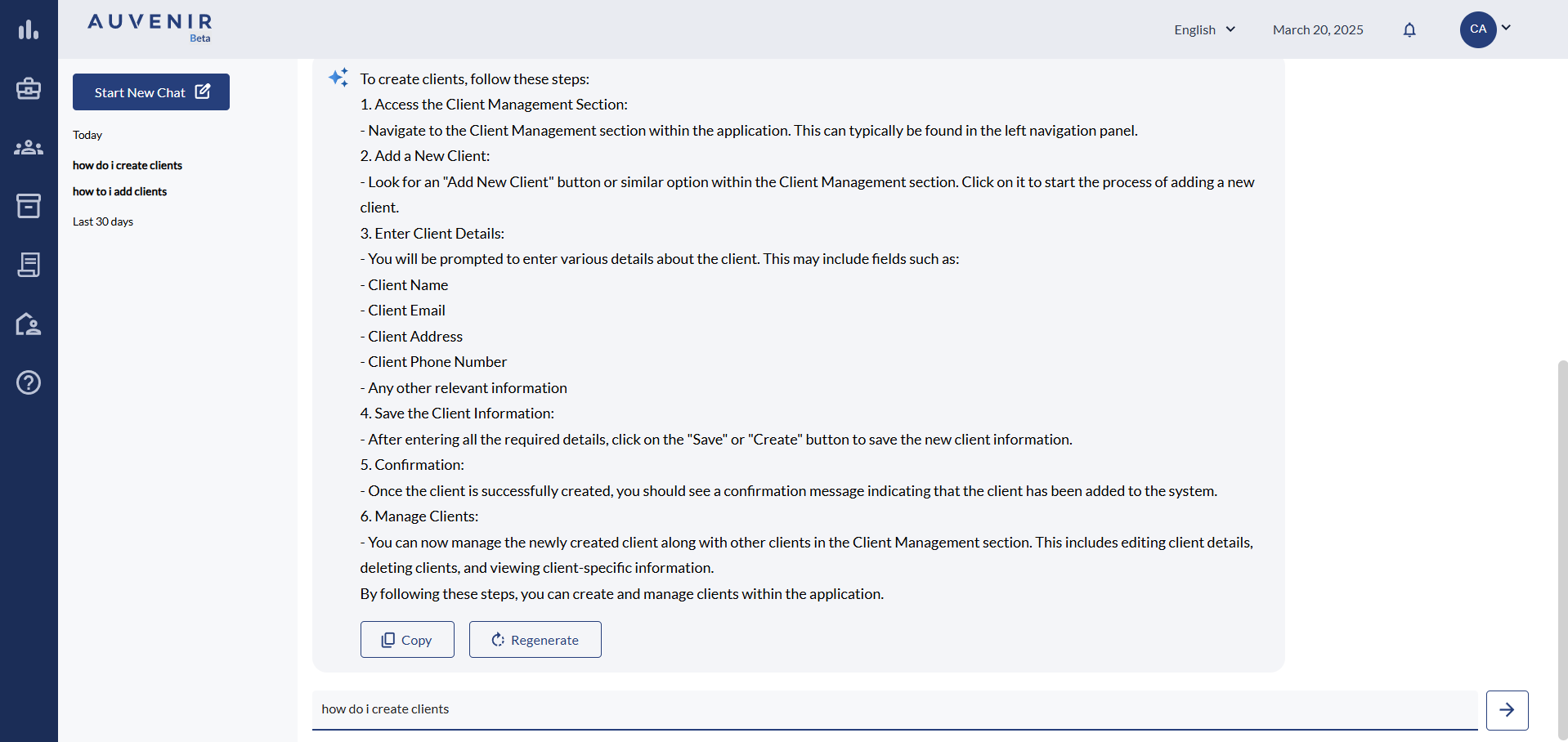
- If you have another question you can type in the box again or click "Start New Chat"
Creating a Support Ticket
1. From the Help section you can click "Create Ticket" where you can fill out a form