Key Functions
- List of available Common Tools
- How to access Common Tools
- How to use Common Tools
Video Guide
List of available common tools
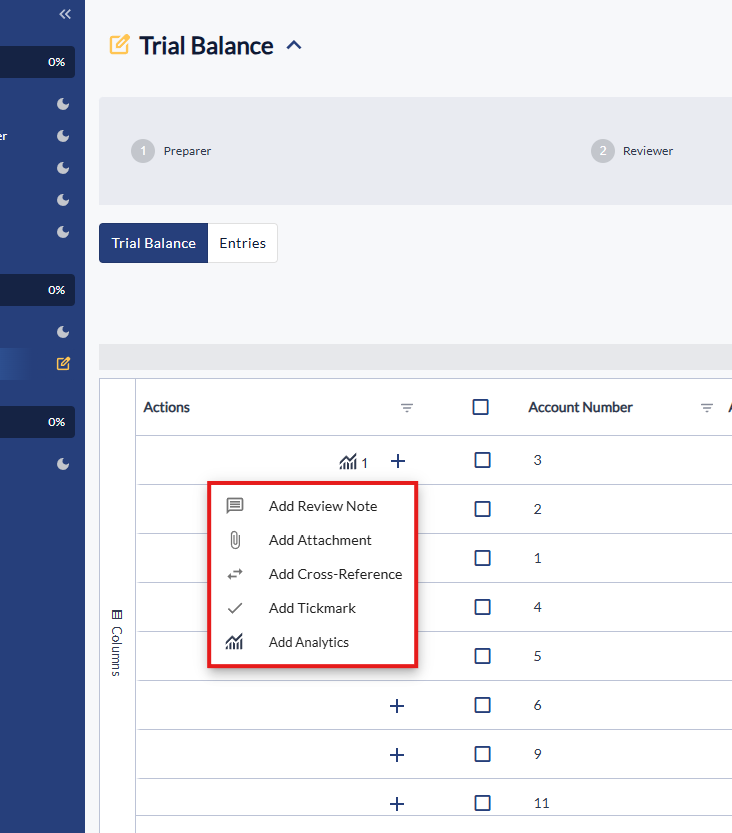
Following common tools options are available:
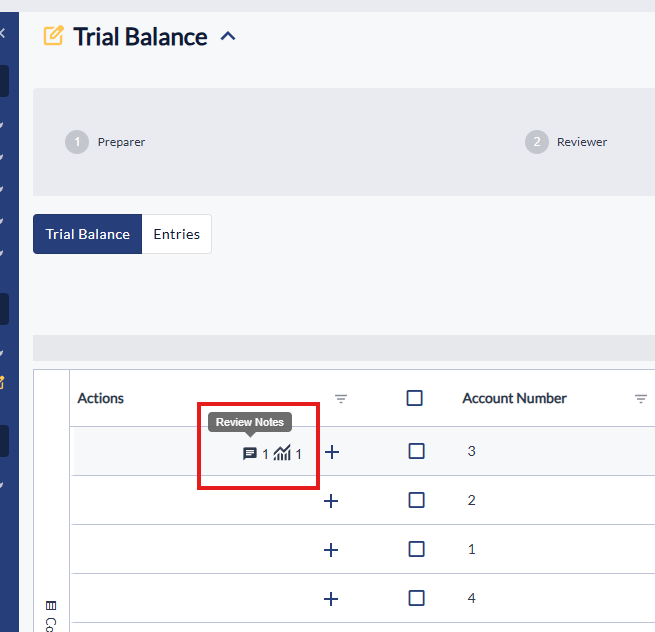
- Review notes - Add a note for someone in the firm to review information.
- Attachments - Attach a document to information in the engagement to substantiate the evidence.
- Cross-reference - Create a point of reference from one part of the engagement to another.
- Tickmark - A mark that refers to a piece of information/
- Analytics - Create data points and graphs from the trial balance that can substantiate information.
How to access Common Tools
- When in an engagement document you will see a '+' symbol.
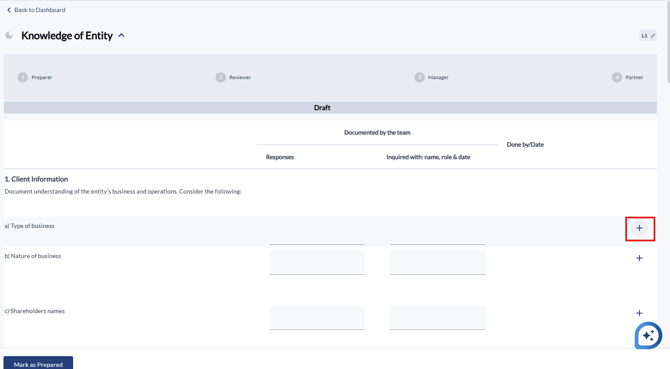
- These can appear in different locations of the engagement, they can also appear in the 'Trial Balance'.
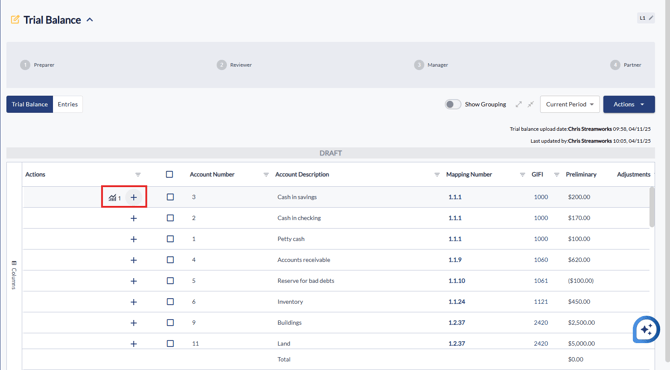
How to use Common Tools
- Click the '+' symbol where you want to use the Common Tool Feature
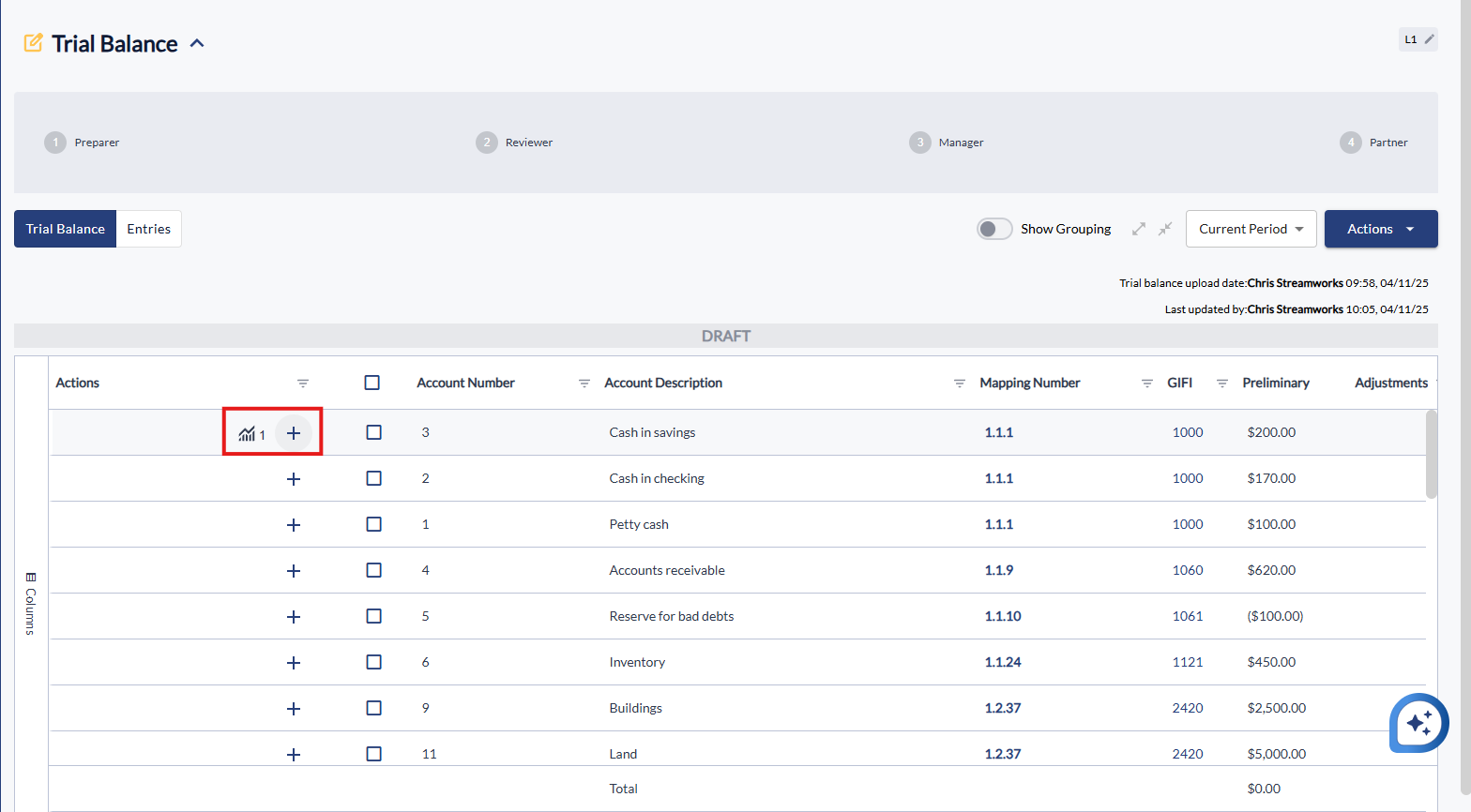
- From the 'Dropdown' list, click the 'Common Tool' you want to use.
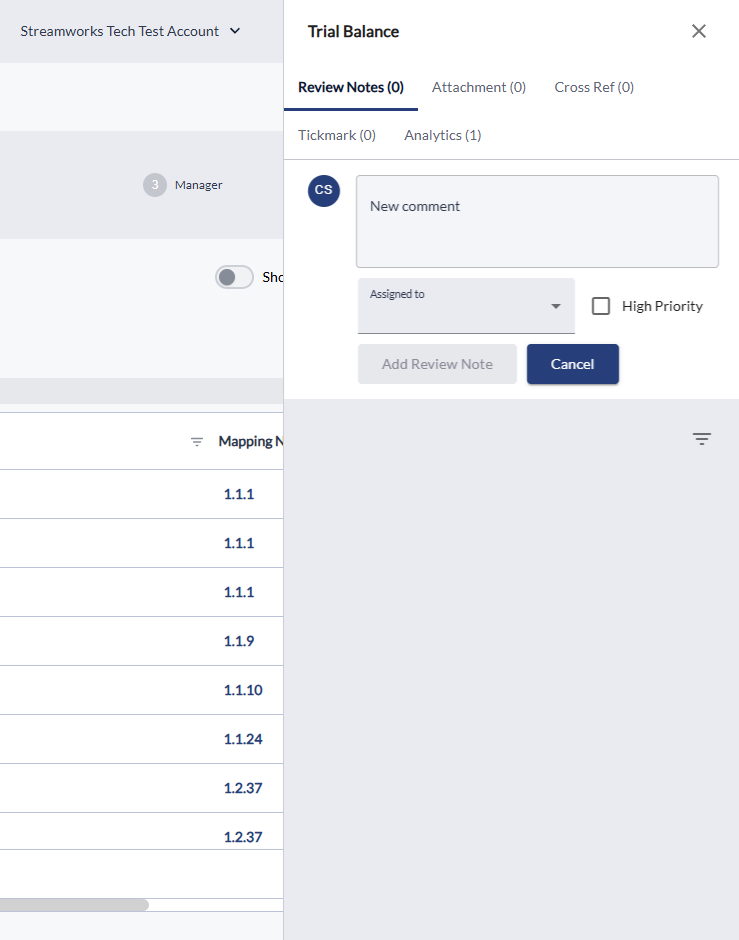
- A panel to the right will open, here you can add your Common Tool information.
- A logo will appear next to the Common Tool according to which one has been placed.