
Signing in for the first time from the welcome email
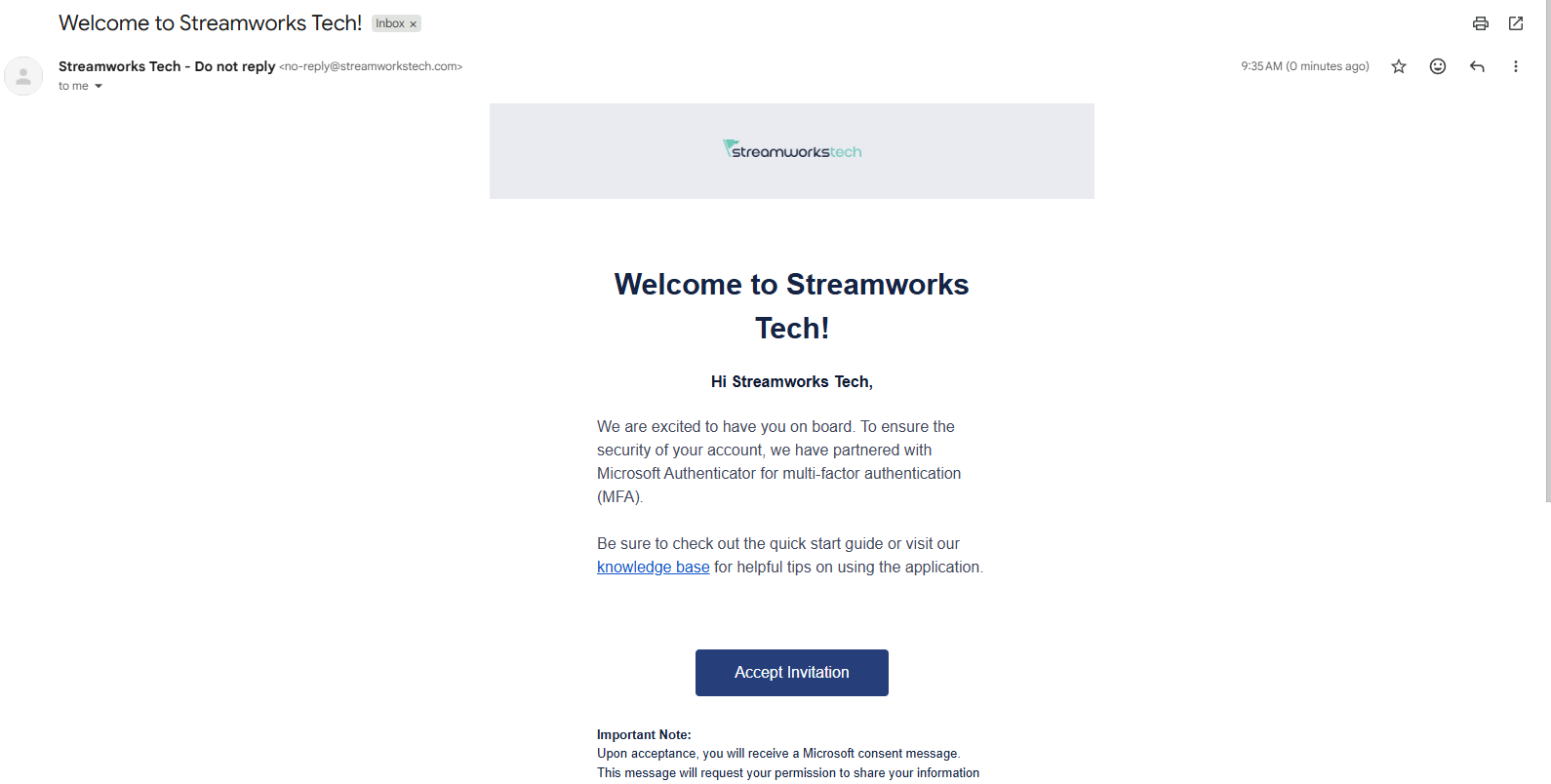
- After purchasing you will receive an email to accept the invite or you can go to the login page of Engagements here. The email will look like this:
- If you went to the login page before getting the email, you will see this screen:
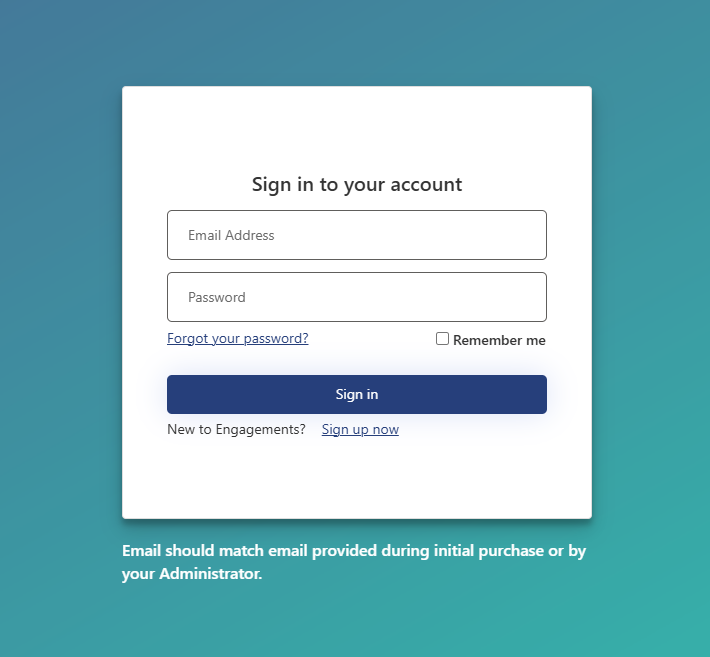
- Select the 'Sign up now' next to the 'New to Engagements?' text to continue.
- After clicking 'Accept Invitation' or selecting you are new to Engagements you will be brought to the account setup screen.
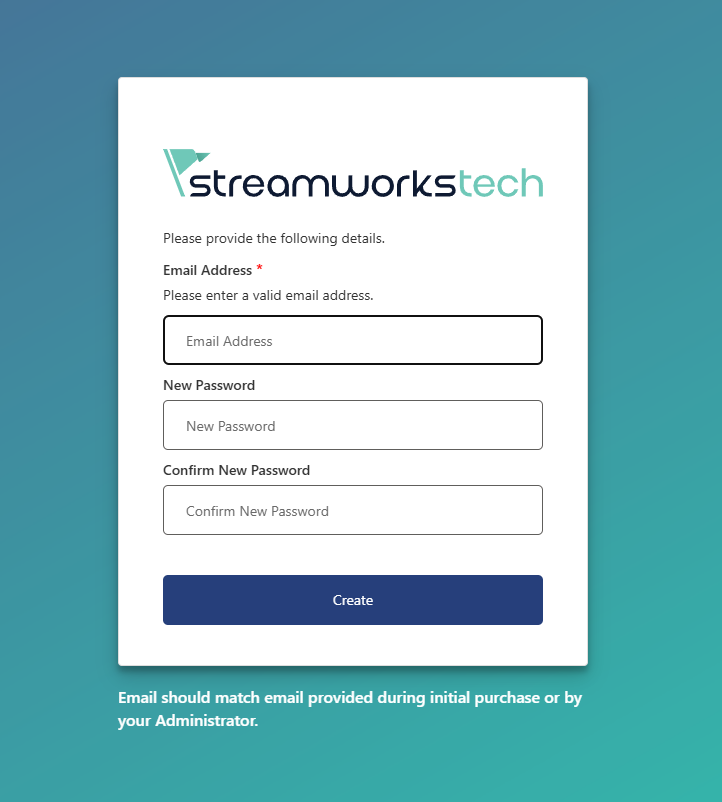
- Fill in the email you used to sign up and create a password for the account.
- After you click 'Create' you will be logged in to the platform.